
Elephant Grass
A downloadable game for Windows
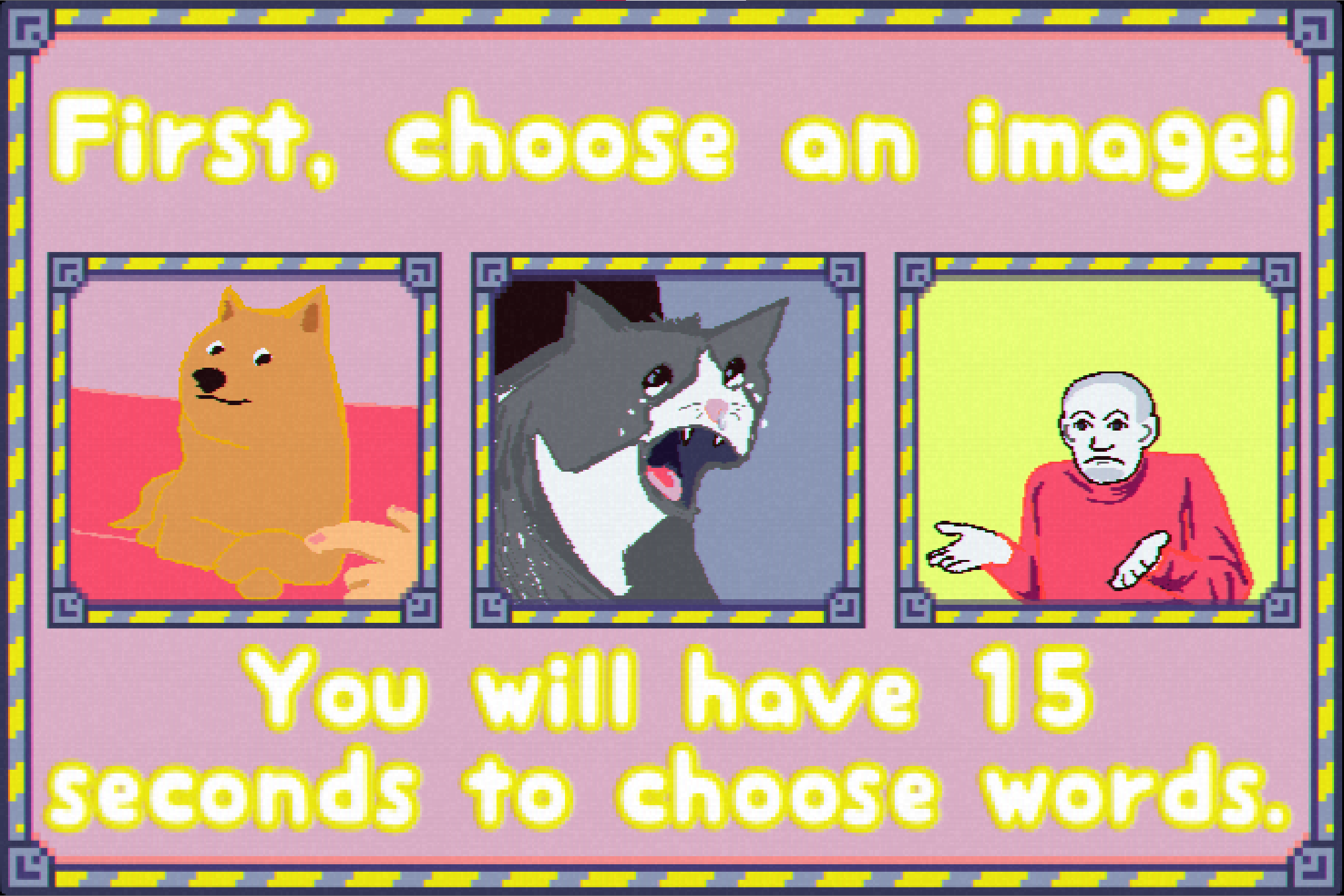
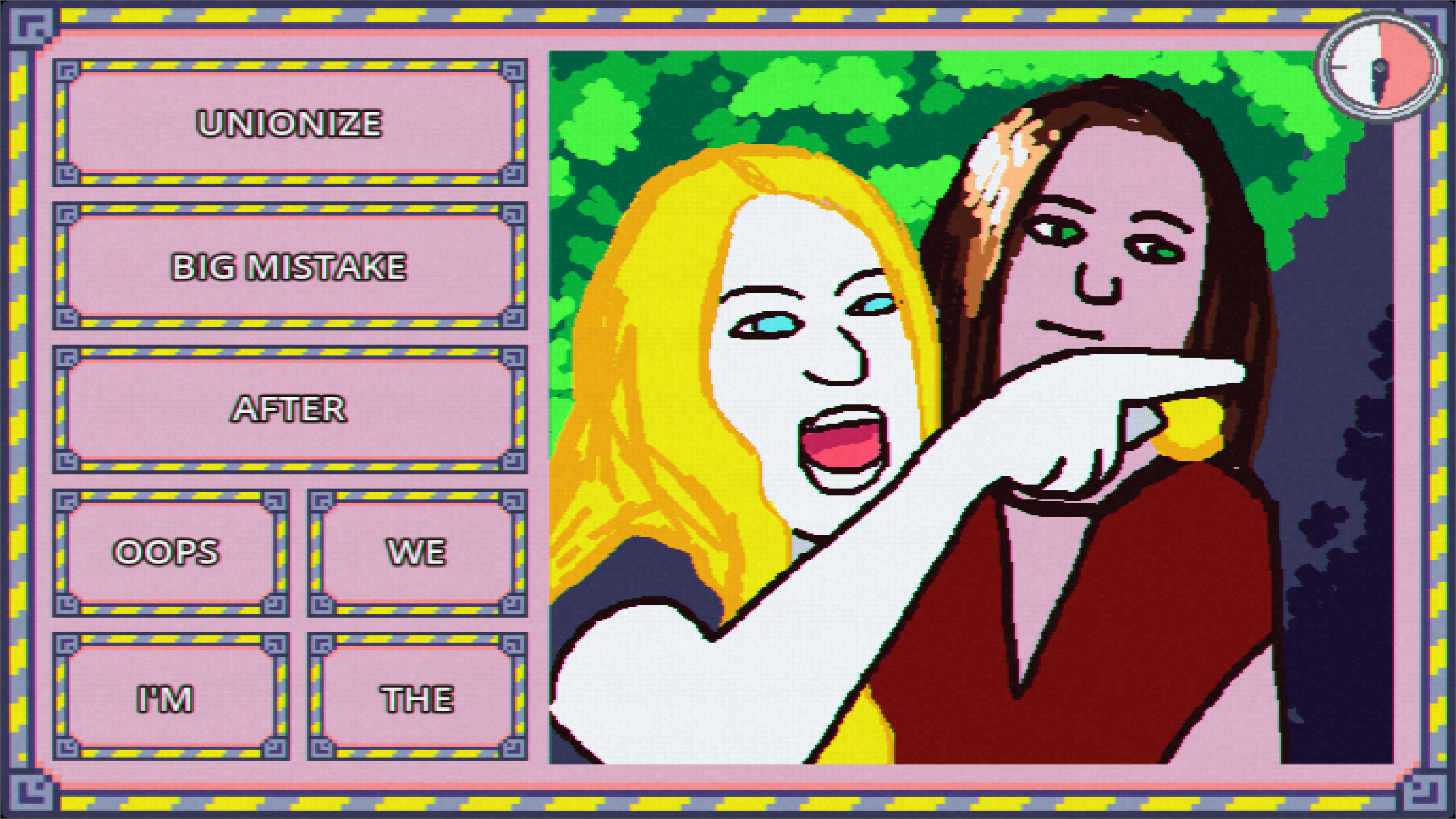
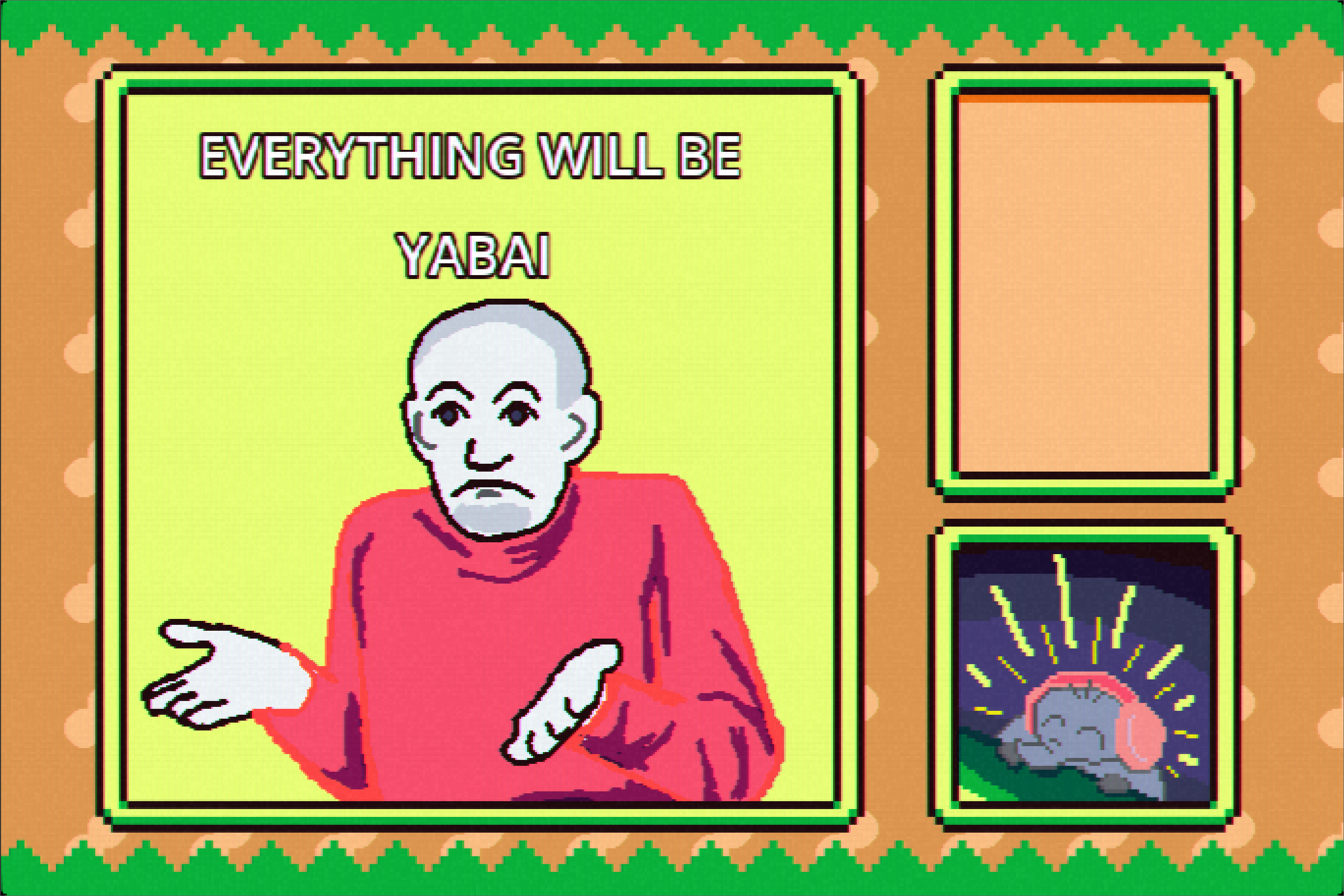
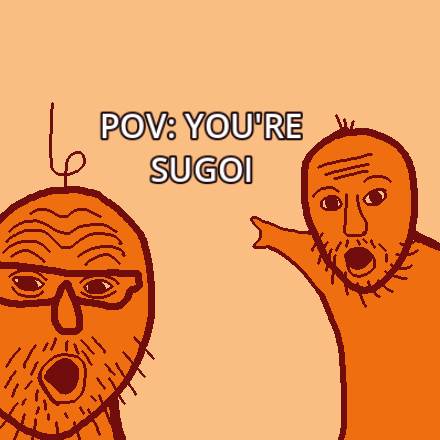
Elfie is currently streaming and has asked you to send in some memes for her "You laugh, you lose" challenge.
Take turns making memes with limited time and options to make the other players, and Elfie, laugh.
Base Controls
Left-Click: Pickup the words
Mouse: Move the picked up words around.
Space: Get new words.
Enter: While Elfie is streaming, you can take a screenshot of the current meme!
Microphone: Picks up sounds. Be careful not to make Elfie laugh!
Original build made for Global Game Jam 2024.
Featured in Hand Eye Society's Super FESTival 2024.
Download
Click download now to get access to the following files:
Development log
- Version 2.0 - More Images, More Words, CustomizationNov 24, 2024
- Post-Jam BuildFeb 10, 2024
Comments
Log in with itch.io to leave a comment.
Great game but how can we put our own words into it?
Thank you!
I'm realizing that I didn't really explain it anywhere. I should probably update that at some point.
When you first open the game, it will create a custom_images and a custom_word_lists folder. For images, all you need to do is put it in the custom images folder.
For words, you can add a .txt file in the custom_word_lists subfolders long_segments and short_segments (they will be added respectively to either being long word choices or short word choices). And each new line in the .txt is a new word.
After that, in the options you can toggle on your custom words in the Words tab.
Please let me know if you have any other questions!
Thanks for the reply!
For some reason when we set our custom.txt files to "on" in the settings it doesn't show them when we play. Then when we go back to settings it's set to "off".
Custom images work great!
Also, where are the screenshots we take located?
The screenshots should be located in %appdata%\ElephantGrass\screenshots
I think you might have found a bug for the custom text files. As it doesn't seem to be working on my side either. :')
I'll try to look into it tomorrow! I have a guess to what it might be an I don't think it'll be too hard of a fix. Thanks for letting me know!
I publish a fix for the custom word!
I didn't have the time to look into it as thoroughly as I would have wanted sadly. So currently, the custom words should work. But they'll have to be toggled back on when restarting.
I'll keep note of the issue for after A Sand Plan releases haha.
Wow, thanks for the quick fix!
We're having a lot of fun with this!
No problem! Thanks again for letting me know about the issue.
It makes me happy to hear that you are having fun with the customization feature!😊
This was so cute!